A Thorough Comparison of EdgeGraph FX's 3 Account Types, Their Differences, and Recommended Points [EdgeGraph FX LIMITED Official]
In this article, we cover EdgeGraph FX's thorough comparison of 3 account types and which account type is the most recommended explained in an easy-to-understand way even for beginners.
For thosealready using EdgeGraph FX or those considering opening an account, this is a must-read so please take a moment to read it.
There are many FX brokers and each differs in services and account features so it is important to understand the details of each before making a decision. EdgeGraph FX offers 3 account types. Let us introduce the features and key points of each account.
Summary and key points of this article
- EdgeGraph FX Account Type Summary Table
- Click here to find out which EdgeGraph FX account type is recommended for your purpose
- For those who are unsure, the Standard account is recommended! No commission, supports over 50 instruments
Table of Contents
Summary comparison of EdgeGraph FX's 3 account types
EdgeGraph FX is an overseas FX broker established in 2022.
Although it is a new overseas broker, it has attracted attention from many traders, and the number of people opening accounts to profit from FX is increasing.
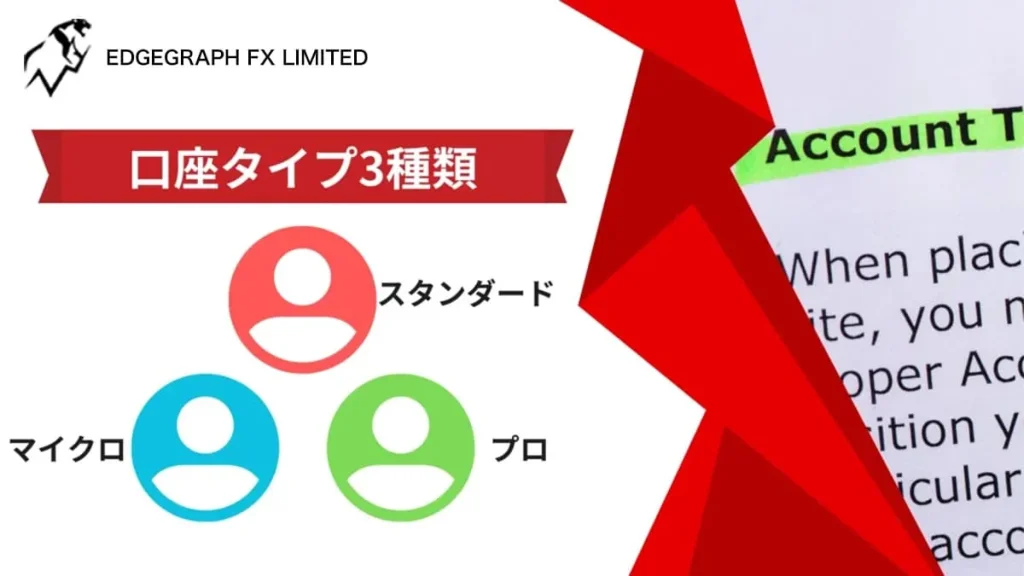
And,EdgeGraph FX's features include three account types: Micro, Standard, and Pro each of which can be selected and used for trading.
The following table shows the characteristics of EdgeGraph FX's 3 account types, so please compare them.
Comparison of 3 Account Types
| Account Type Name | Micro Account | Standard Account | Pro Account |
|---|---|---|---|
| Minimum Deposit | 1,000 JPY | 1,000 JPY | 1,000 JPY |
| Currency Pairs | FX 52 currencies / CFD (precious metals, stock indices, energy, cryptocurrencies) 58 instruments | FX 52 currencies / CFD (precious metals, stock indices, energy, cryptocurrencies) 58 instruments | FX 52 currencies / CFD (precious metals) 4 instruments |
| Leverage | Up to 1,000x | Up to 1,000x | Up to 500x |
| Base Currency | JPY | JPY | JPY |
| Order Unit | 1 lot = 1,000 units | 1 lot = 100,000 units | 1 lot = 100,000 units |
| Minimum/Maximum Order Size | Minimum/Maximum order size: 0.01 lot (10 units) Maximum: 100 lots | Minimum/Maximum order size: 0.01 lot (1,000 units) Maximum: 100 lots | Minimum/Maximum order size: 0.01 lot (1,000 units) Maximum: 100 lots |
| Trading Commission | Free | Free | $9 round trip |
| Margin Call | None (zero-cut implemented when margin goes negative) | None (zero-cut implemented when margin goes negative) | None (zero-cut implemented when margin goes negative) |
| Stop Out | When margin level falls below 20% | When margin level falls below 20% | When margin level falls below 20% |
| Trading Platform | MetaTrader5 | MetaTrader5 | MetaTrader5 |
| Account Opening / Maintenance Fee | Free | Free | Free |
Features of EdgeGraph FX's Micro Account
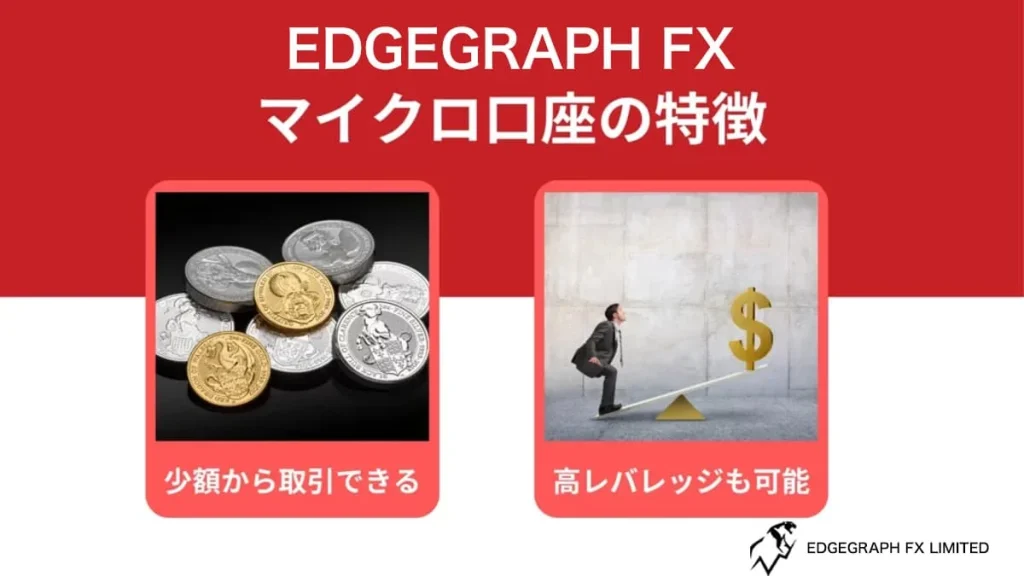
EdgeGraph FX has 3 accounts, each of which can be opened for FX trading, and you will want to understand the features of each.
By understanding the features, you can aim for profits through trading with an account that suits your purpose.
The EdgeGraph FX Micro account has the following features, so let us introduce each one.
Micro Account
| Item | Details |
|---|---|
| Account Type | Micro Account |
| Minimum Deposit | 1,000 JPY |
| Currency Pairs | FX 52 currencies / CFD (precious metals, stock indices, energy, cryptocurrencies) 58 instruments |
| Leverage | Up to 1,000x |
| Base Currency | JPY |
| Order Unit | 1 lot = 1,000 units |
| Minimum/Maximum Order Size | Minimum/Maximum order size: 0.01 lot (10 units) Maximum: 100 lots |
| Trading Commission | Free |
| Margin Call | None (zero-cut implemented when margin goes negative) |
| Stop Out | When margin level falls below 20% |
| Trading Platform | MetaTrader5 |
| Account Opening / Maintenance Fee | Free |
Ability to trade with small amounts
The Micro account is suitable for beginners who have never traded FX before, as it allows trading with small amounts.
All accounts have a minimum deposit of 1,000 JPY, so you can start trading with a small amount of capital.
However, while the order unit for other accounts is 100,000 units per lot, the Micro account is set at 1,000 units per lot.
The smaller the order unit, the less capital is required to trade, which means that even if a loss occurs, it can be kept to a minimum.
Also, since the minimum order size is 0.01 lots (10 units), even those with limited trading funds can use it with peace of mind.
Easy to adjust trade size with leverage
The Micro account allows trading with small amounts, butleverage can be applied up to a maximum of 1,000x.
Leverage allows you to make large trades even with a small amount, enabling you to aim for profits.
For first-time traders, it is recommended to keep both the amount and leverage low to minimize risk, but as you gain experience, gradually increasing the leverage is also a good approach.
Even with 1,000 units per lot, increasing the leverage multiplier can lead to larger profits, so it is possible to increase your trade size as your skill level grows.
Features of EdgeGraph FX's Standard Account
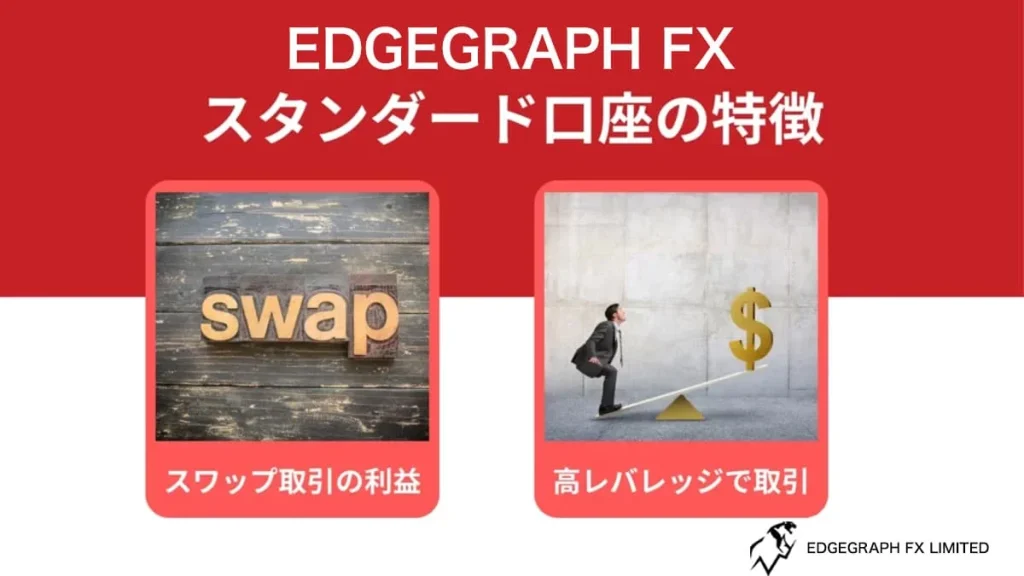
EdgeGraph FX also offers a Standard account, which differs from the Micro account in terms of order unit and minimum order size.
Therefore, the Standard account can be said to be suitable for intermediate traders who are accustomed to trading.
Let us introduce the features of the Standard account.
Standard Account
| Item | Details |
|---|---|
| Account Type | Standard Account |
| Minimum Deposit | 1,000 JPY |
| Currency Pairs | FX 52 currencies / CFD (precious metals, stock indices, energy, cryptocurrencies) 58 instruments |
| Leverage | Up to 1,000x |
| Base Currency | JPY |
| Order Unit | 1 lot = 100,000 units |
| Minimum/Maximum Order Size | Minimum/Maximum order size: 0.01 lot (1,000 units) Maximum: 100 lots |
| Trading Commission | Free |
| Margin Call | None (zero-cut implemented when margin goes negative) |
| Stop Out | When margin level falls below 20% |
| Trading Platform | MetaTrader5 |
| Account Opening / Maintenance Fee | Free |
Aim for high returns through leverage
The Standard account has, as the name suggests, standard features for FX trading.
A key feature of EdgeGraph FX is that leverage can be applied up to 1,000x to aim for high returns.
While domestic leverage is capped at 25x, and many other overseas FX brokers offer up to 500x or 888x, being able to apply up to 1,000x is attractive to traders who want to aim for large profits.
Since EdgeGraph FX's order size starts from 100,000 units per lot, adjust your leverage multiplier according to your own judgment.
Aim for profits through swap trading
The Standard account is also recommended for those looking to profit through swap trading in FX.
Swaps are a method of aiming for income through interest rates; by holding currency pairs with a positive swap over the long term, you can aim for daily income.
You can aim for profits through trading, and with 53 tradable currency pairs, holding several and aiming for interest income is also an option.
However, note that swap trading can result in a negative balance depending on whether you buy or sell, so be careful when trading.
Features of EdgeGraph FX's Pro Account
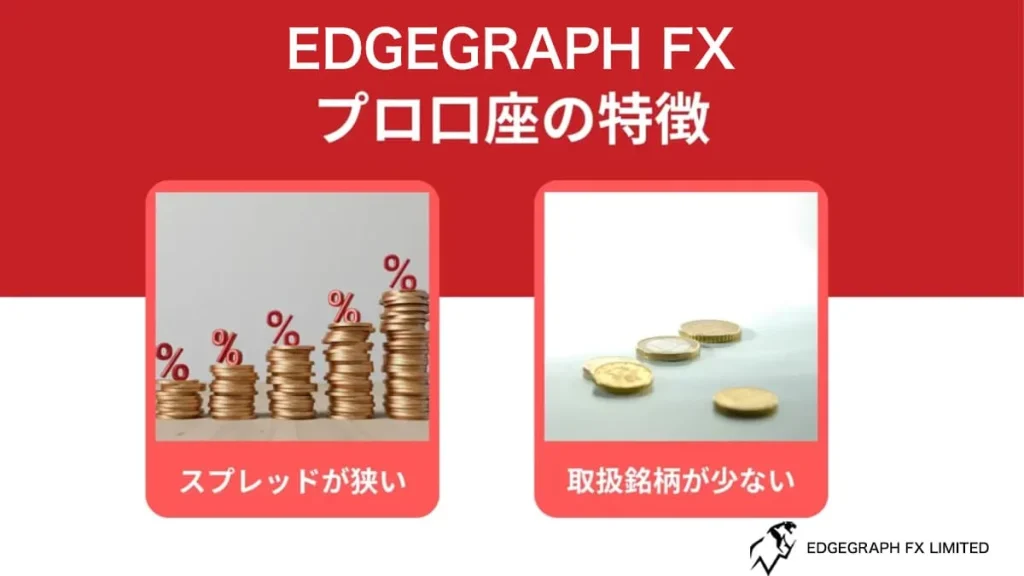
EdgeGraph FX also allows the use of a Pro account.
Unlike the Standard and Micro accounts, the Pro account has a lower maximum leverage of 500x, and the number of available CFDs is limited.
Also, the trading commission is $9 round trip.
Let us introduce the features of the Pro account.
Pro Account
| Item | Details |
|---|---|
| Account Type | Pro Account |
| Minimum Deposit | 1,000 JPY |
| Currency Pairs | FX 52 currencies / CFD (precious metals) 4 instruments |
| Leverage | Up to 500x |
| Base Currency | JPY |
| Order Unit | 1 lot = 100,000 units |
| Minimum/Maximum Order Size | Minimum/Maximum order size: 0.01 lot (1,000 units) Maximum: 100 lots |
| Trading Commission | $9 round trip |
| Margin Call | None (zero-cut implemented when margin goes negative) |
| Stop Out | When margin level falls below 20% |
| Trading Platform | MetaTrader5 |
| Account Opening / Maintenance Fee | Free |
Narrow spreads
The Pro account has narrow spreads, making it suitable for short-term trading.
While specific figures are not listed on the official site, the spreads are narrower than those of the Standard and Micro accounts, making it possible to aim for profits through day trading or scalping with multiple trades.
In particular, scalping — which involves making multiple trades within a few minutes — is prohibited by some overseas FX brokers, but EdgeGraph FX permits it.
Although there is a round-trip commission, it is fixed, so those who want to aim for high profits in the short term through narrow spreads should consider opening a Pro account.
Cryptocurrencies and CFD trading are not available
The Pro account differs from other accounts in terms of cryptocurrency and CFD trading.
First, with the Pro account, cryptocurrency trading is not supported, so you cannot trade it.
Also, while other accounts support up to 19 CFD types, the Pro account only supports 4 types, which is fewer.
Since the Pro account is specialized for FX trading, if you want to use CFDs or cryptocurrencies, it is recommended to use another account.
Experience unrestricted trading with maximum leverage of 1000x and industry-lowest level spreads!
Open an EdgeGraph FX account hereRecommended EdgeGraph FX Account Types by User
EdgeGraph FX accounts are divided into Micro, Standard, and Pro, each with different features, so you need to choose the one that suits you.
However, some may not know which type of account is right for them.
Let us introduce which account is recommended for which type of user.
- ○Beginners who want to trade with a small amount of capital: Micro Account
- ○Those with no particular preference: Standard Account
- ○Advanced FX traders and those who want to trade with narrow spreads: Pro Account
Beginners who want to trade with a small amount of capital [Micro Account]
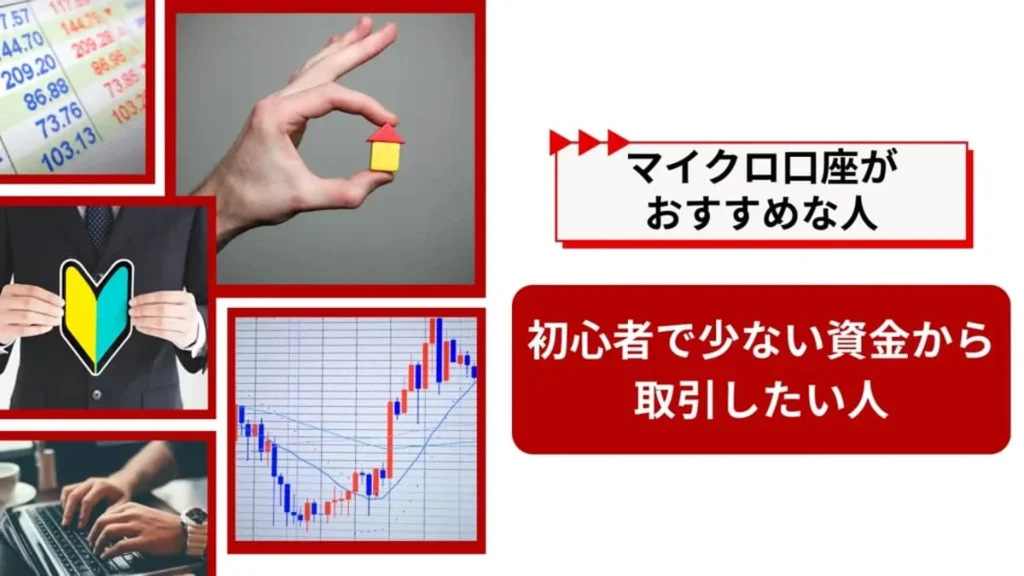
For those who are new to FX trading and want to minimize risk, opening a Micro account is recommended.
As mentioned above, the Micro account has a small order unit, so you can trade with fewer lots.
Beginners will want to observe with limited capital, but when trading at 100,000 units per lot, there is a high chance of suffering large losses through stop-outs depending on price fluctuations.
Even after studying FX before trading, the trade amount can change significantly depending on leverage size and currency movements, so beginners need to get accustomed to real market movements.
In that regard, the Micro account allows you to start with small amounts and gradually increase leverage as you gain confidence, making it suitable for beginners.
Those with no particular preference [Standard Account]
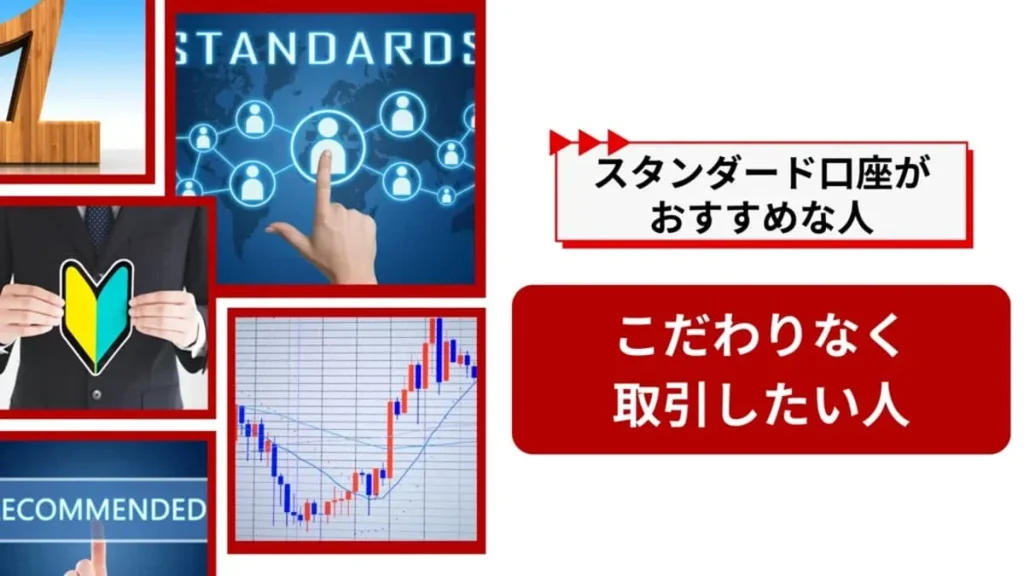
For those who are somewhat accustomed to FX trading and have no particular preference, the Standard account is recommended.
The Standard account is the account with the most features among those offered by EdgeGraph FX.
If you are unsure, choose Standard for now.
It can handle both short-term trading, medium-term trading, and long-term trading through swap points, making it the most accessible account to open.
Advanced FX traders and those who want to trade with narrow spreads [Pro Account]
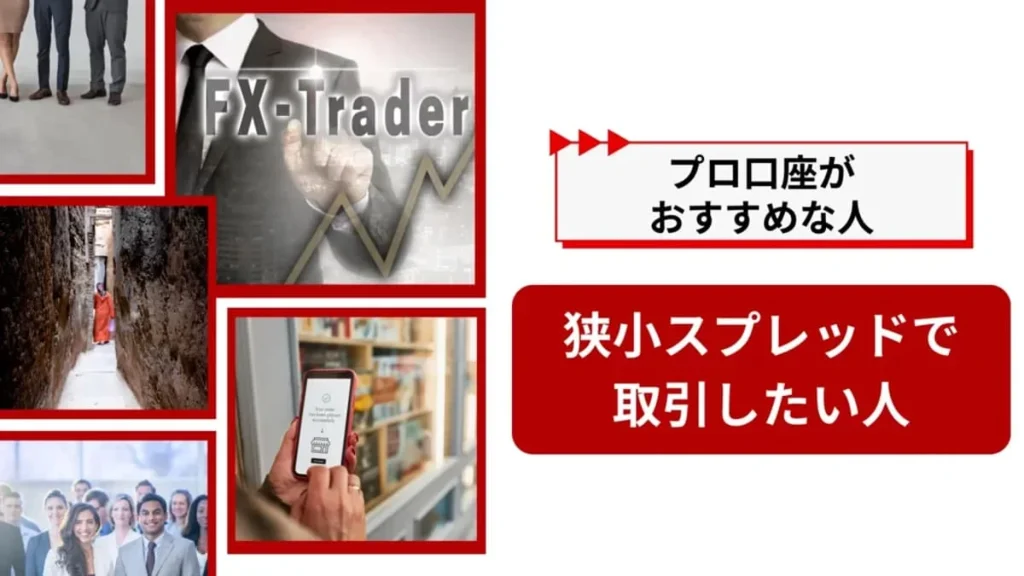
The Pro account has a lower maximum leverage of 500x, but in return offers narrow spreads, making it suitable for short-term traders.
For day trading, where large amounts are invested for short periods to aim for profits, or scalping, where multiple trades are made within minutes, the narrow spreads allow you to keep costs down.
Conversely, for medium-term trading or small trades, the lower leverage and $9 round-trip commission make it disadvantageous to aim for profits, so please recognize it as an account for advanced traders.
[Summary] Trade with EdgeGraph FX according to your own style!
Summary and key points of this article
- EdgeGraph FX Account Type Summary Table
- Click here to find out which EdgeGraph FX account type is recommended for your purpose
- For those who are unsure, the Standard account is recommended! No commission, supports over 50 instruments
How was it? EdgeGraph FX offers 3 accounts, and we have introduced the features of each.
All EdgeGraph FX accounts can be opened in just a few minutes, with no complicated procedures, making it ideal for those who want to start trading right away.
Choose according to your preferred trading method and use theStandard account, Pro account, or Micro account to trade!
Please refer to the following for instructions on how to open an EdgeGraph FX account.

![What is an FX Bonus? A Complete Guide to the Difference from Balance [EdgeGraph FX Beginner's Guide]](/_next/image?url=https%3A%2F%2Fhezwttxy7pl7mw4j.public.blob.vercel-storage.com%2F13-2-2.webp&w=3840&q=75)
![How to Start MT5 Trading with an EdgeGraph FX Demo Account [Complete Guide to Getting Started and Key Points]](/_next/image?url=https%3A%2F%2Fhezwttxy7pl7mw4j.public.blob.vercel-storage.com%2F12-2-2.webp&w=3840&q=75)
![What are EdgeGraph FX Spreads? A Complete Introduction to Spreads by Account Type [EdgeGraph FX LIMITED Official]](/_next/image?url=https%3A%2F%2Fhezwttxy7pl7mw4j.public.blob.vercel-storage.com%2F8-2.webp&w=3840&q=75)